

Most people leave Bitly for one specific reason: they want their own domain on their links, and Bitly puts that behind its Growth plan at $35 a month billed monthly. That is the moment the bill stops feeling reasonable.
The thing almost nobody tells you is that two of the alternatives below let you connect a domain you already own on their permanent free tier. Not a trial. So before you compare feature grids, it is worth knowing that the single feature you are probably upgrading for is free somewhere else.
There is a catch in the wording, and it is worth learning before you shop. Several tools advertise a “branded domain” on their free plan and mean a domain they own, where you pick the slug. That is not the same as pointing go.yourbrand.com at your links. Check which one is on offer, because the pricing pages are not always clear about it. Rebrandly’s own comparison table contradicts its plan card on this exact point.
This article covers what each tool actually costs, where the custom-domain line sits, and one thing that comparison posts almost never mention: whether the click numbers you are being shown have had the bots taken out of them.
Contents
First, a question about your click counts
When your dashboard says a link got 1,000 clicks, some of those were people. Others were link preview fetchers, security scanners and crawlers. Every time your link is pasted into Slack, iMessage, WhatsApp or an email client, something on the other end fetches it to build a preview card. That fetch can land in your total.
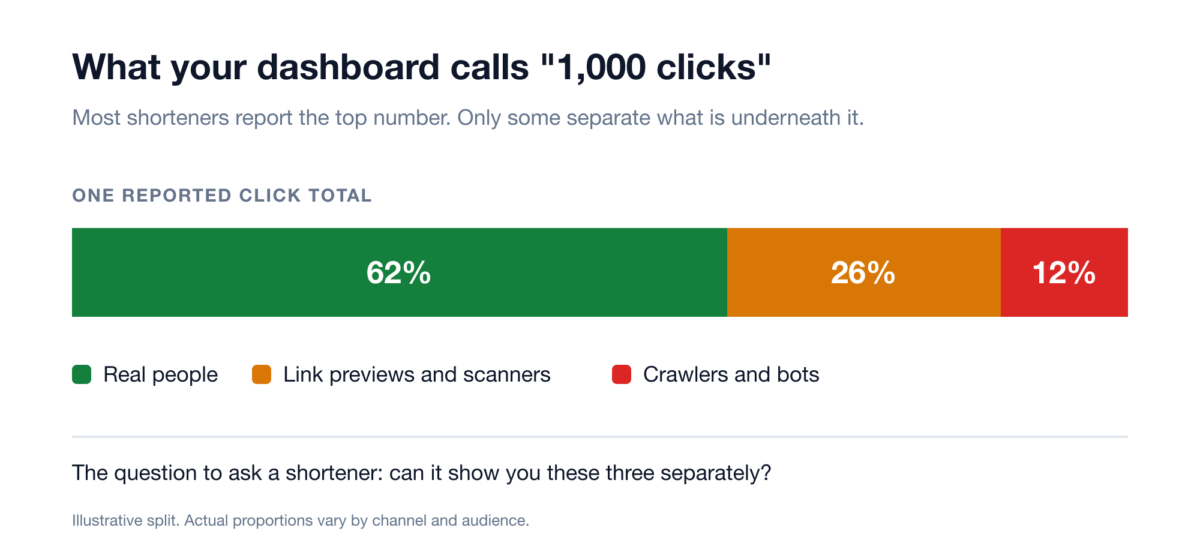
The proportions above are illustrative, and the real split depends entirely on where you share your links. The point is the question, not the number: can your shortener separate those three, or does it hand you one figure and let you assume it means people?
This matters most if you are paying per click, reporting numbers to a client, or deciding which channel is working. Of the tools below, Cutt.ly’s own comparison table includes a “Chart of clicks by bots” row on its paid tiers, and Flyn excludes bot traffic from the headline click count and reports it separately. The others make no claim about it on their pricing pages either way.
What they cost, side by side
The column that matters most is the last one. That is the price of the thing you probably came here for.
| Tool | Free plan | Entry paid plan | Cheapest plan with your own domain |
|---|---|---|---|
| Flyn | 25 new links/month | $12/mo, or $9/mo billed annually. One plan, everything in it | $12/mo (Pro) |
| Short.io | 5 custom domains, 1,000 branded links | $5/mo (Hobby) | Free |
| Dub | 25 new links/month, 3 custom domains | $30/mo, or $27/mo billed annually | Free |
| Cutt.ly | 30 links/month, 1 branded domain | $12/mo (Starter) | Free, but see the caveat below |
| T.LY | None, 5-day trial only | $10/mo (Personal) | $55/year (Hobby) |
| TinyURL | 30 links/month, no click tracking | $11/mo, or $9/mo billed annually (Pro) | $9/mo billed annually (Pro) |
| Rebrandly | 10 links/month, 10 QR codes/month | $9/mo, or $8/mo billed annually (Essentials) | Unclear on their pricing page, see below |
| Bitly | 5 links/month, 2 QR codes/month | $10/mo, annual billing only (Core) | $35/mo, or $29/mo billed annually (Growth) |
Read from each provider’s pricing page on 14 August 2026. Where a provider shows only a yearly total, that is what is quoted rather than a per-month figure they do not print.
Two things jump out. Bitly’s free plan is 5 links a month, which is not really a free plan so much as a demo. And Bitly’s Core tier, the $10 one you see advertised, cannot be billed monthly at all. It is annual only. The cheapest Bitly you can pay for month to month is $35.
The entry price is not the price
That table has a trap in it, and it is the single most useful thing to understand before you pick one. Every tool on this list except one sells in tiers, and the cheap tier is not a small version of the product. It is the product with the marketing features removed. So the number in the “entry paid plan” column is what it costs to get in the door, not what it costs to do the job.
Here is where the line actually sits on the four tools whose plan ladders we walked through in full. Every figure below came off the provider’s own pricing page on 15 August 2026.
- Bitly. Growth at $35 gets you a custom domain and branded links. Mobile deep links are not on it. They start on Premium, which is $199 a month billed annually, or $300 a month if you pay monthly.
- Cutt.ly. Starter at $12 buys volume and nothing else. Password protection, retargeting pixels and a fixed 50/50 A/B split begin on Single at $25. Splitting traffic by a weight you choose rather than 50/50 needs Team at $99, and adding a third destination needs Enterprise at $149.
- Dub. Pro at $30 covers deep links, cloaking and password protection, but conversion tracking and A/B testing only appear on Business at $90.
- Short.io. Hobby at $5 buys country targeting and referrer hiding. Cloaking, password protection and link expiry are on Pro at $18. Mobile deep links wait until Team at $48.
Flyn is the exception, and it is why its $12 is not the same kind of number as the others. There are no tiers. There is one paid plan, and your own domain, link rotation across up to 12 destinations at weights you set, retargeting pixels, mobile deep links, password protection, link cloaking and conversion tracking are all inside it. Nothing on that list is an upsell, because there is nothing to upsell to.
Put the same shopping list to each of them and the ordering inverts. A custom domain plus mobile deep links costs $199 a month on Bitly, $90 on Dub once you add conversion tracking, $99 on Cutt.ly once you want to choose your own split, $48 on Short.io, and $12 on Flyn. That is the comparison the entry-price column cannot show you.
So read the table twice. Once for the entry price, which is the honest answer to “what is the cheapest way in”, and once for what you actually intend to do with the links. If a branded domain is genuinely all you need, Short.io wins on price and it is not close. If you want the marketing toolkit, it stops being close in the other direction.
1. Flyn
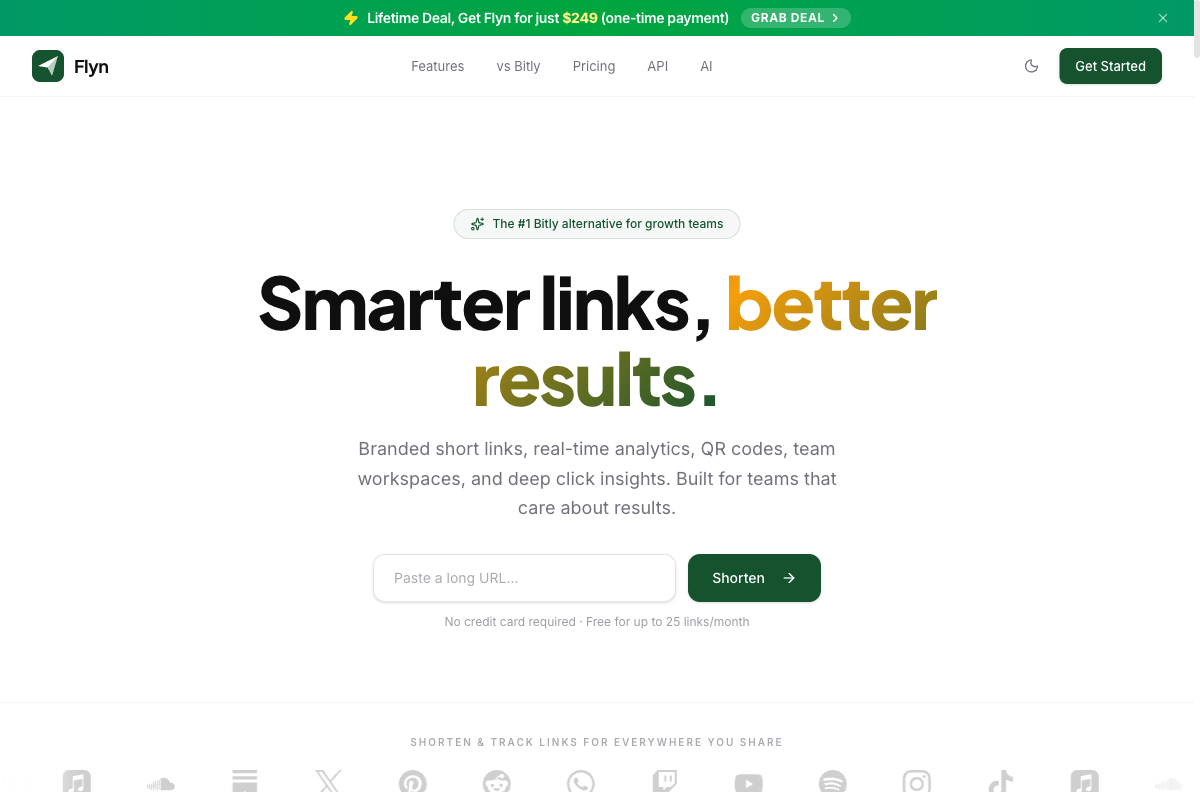
Best for: someone who is going to pay for a shortener anyway and wants the marketing features included rather than laddered across three tiers.
Flyn’s argument is bundling. One plan at $12 a month, or $9 a month if you pay for the year, includes the things other tools spread across their pricing table: your own domain, link rotation across up to 12 destinations, retargeting pixels, deep links into mobile apps, password protection, link cloaking and conversion tracking. There is also a one-time lifetime option at $249, which is unusual in this category. The full plan breakdown is on Flyn’s pricing page.
The analytics are where it differs most. Bot traffic is excluded from the click count rather than folded into it, and clicks arriving from AI assistants such as ChatGPT and Perplexity are broken out as their own referral channel. Every destination is checked against Google Safe Browsing when the link is created and re-checked afterwards, and an unsafe link gets switched off rather than quietly serving malware under your domain.
Do not pick Flyn if you need SSO or SAML, city-level geo-targeting (it does country level only), a link-in-bio page, a native mobile app, self-hosting, or a multi-language interface. It has none of those. And if all you want is a custom domain at the lowest possible price, read the Short.io entry below, because free beats $12.
2. Short.io
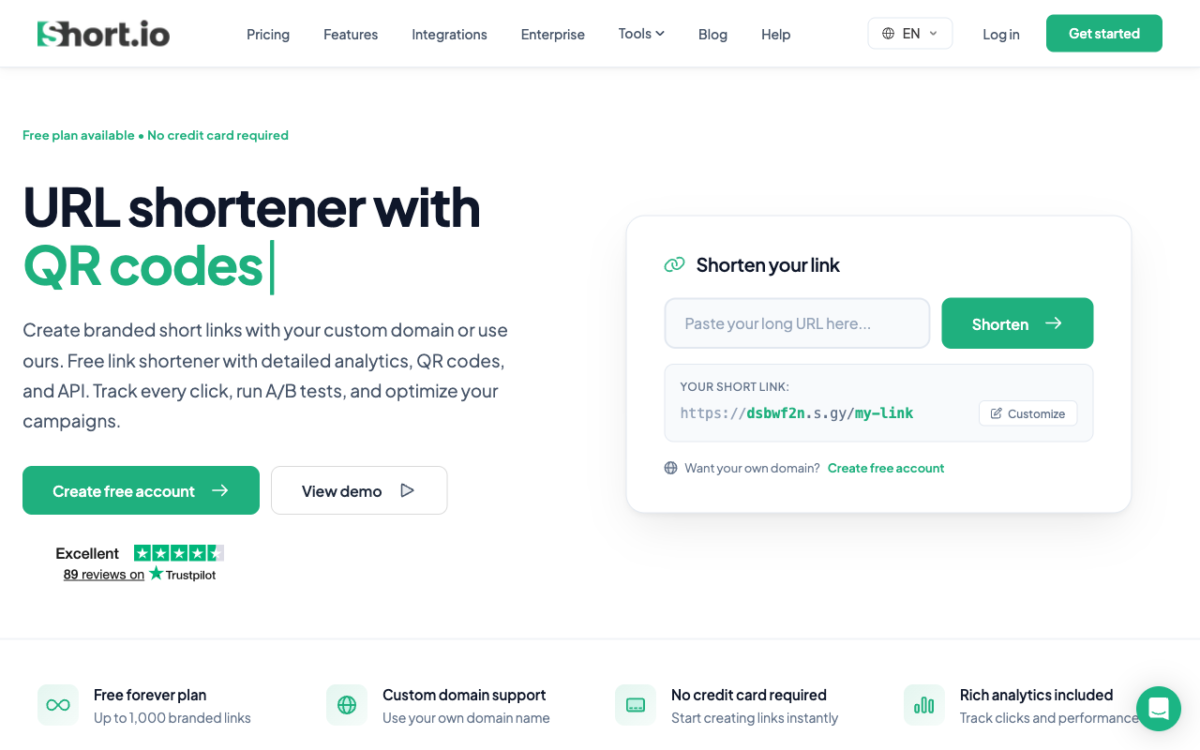
Best for: anyone whose main requirement is branded links on their own domain and nothing more exotic.
Short.io gives you five custom domains on the free plan, along with 1,000 branded links. For a large share of people leaving Bitly, that is the entire problem solved for nothing. Paid tiers start at $5 a month for Hobby, then $18 for Pro and $48 for Team, mostly buying you volume and seats rather than unlocking the domain feature.
If you are switching purely because Bitly wants $35 a month for a branded domain, start here before you look at anything else.
3. Dub
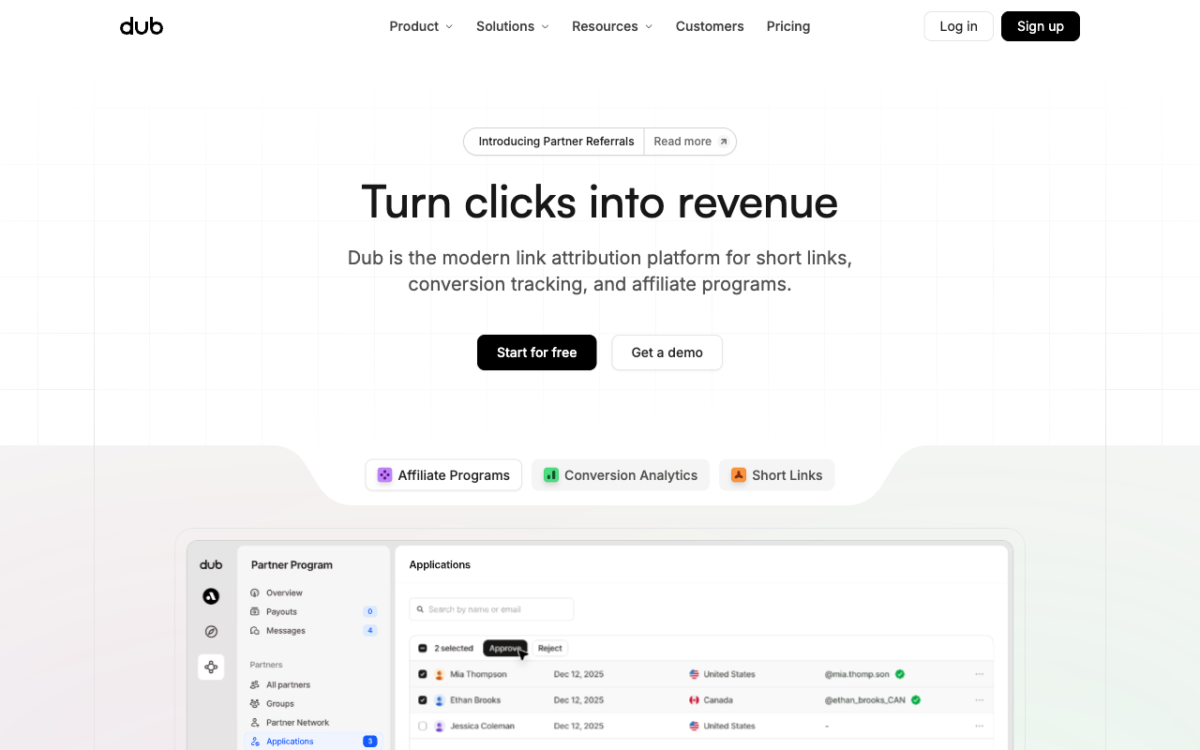
Best for: developers, and teams that want to connect link clicks to actual revenue.
Dub is open source and unapologetically developer-first, with a clean API and a strong conversion and affiliate story. Its free plan includes 3 custom domains, 25 new links a month and 1,000 tracked events a month. Pro is $30 a month, or $27 billed yearly.
If your question is “which link produced revenue” rather than “which link got clicks”, Dub has thought about that harder than most of this list. If you just want short links, it is more machine than you need.
4. Cutt.ly
Best for: breadth on a small budget.
Cutt.ly gives one branded domain on the free tier alongside 30 links a month, and its Starter plan is $12 a month or $132 a year. It also bundles things the others do not, including surveys and link-level extras, and it is one of the few tools in this comparison that puts a bot-clicks chart in its analytics on paid plans.
5. T.LY
Best for: the cheapest route to a branded domain with SSL and full API access from the first paid dollar.
T.LY has no permanent free plan, only a five-day trial, which will rule it out for some people immediately. What it does have is custom domains on every tier including the entry one, at $55 a year for Hobby or $10 a month for Personal. If you know you are going to pay and you want API access without climbing tiers, it is efficient.
6. TinyURL
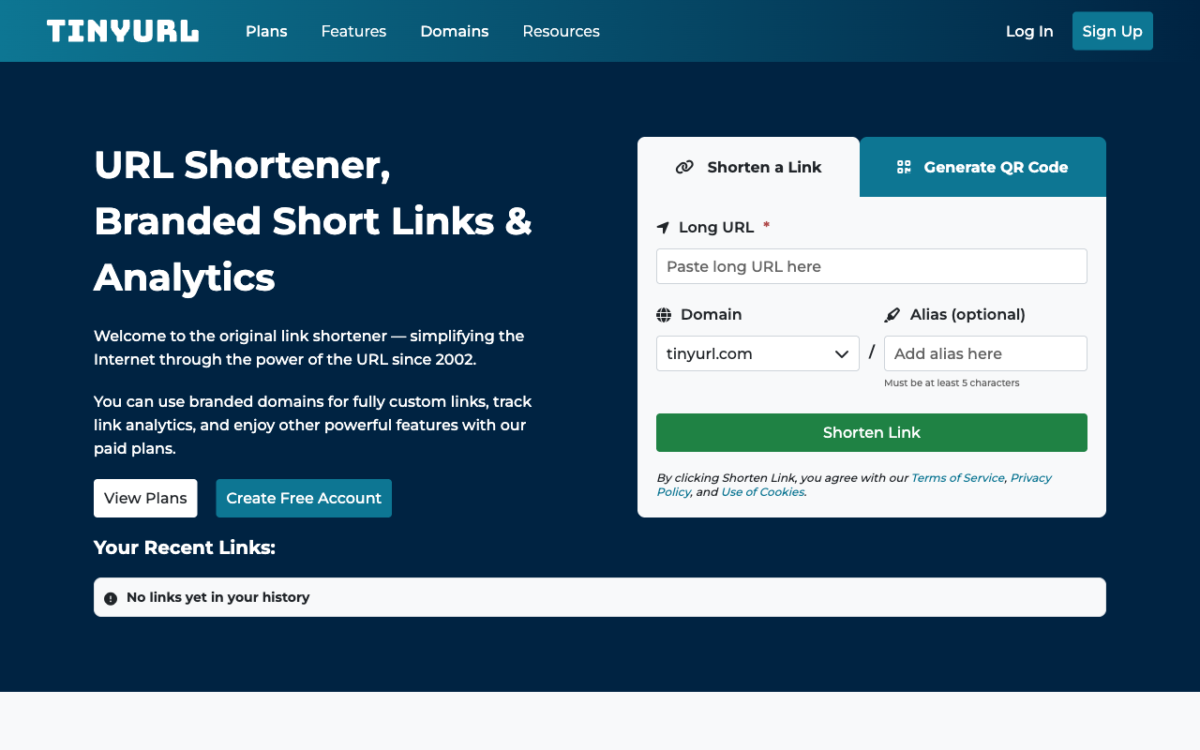
Best for: volume on a budget, if you can live without analytics on the free tier.
TinyURL’s free plan gives 30 links a month and links that never expire, but no click tracking at all, which makes it a link shortener rather than a link tool. Pro is $11 a month, or $9 billed annually, and that is also the cheapest tier where you can bring a domain you already own. It scales cheaply from there, with a bulk tier handling 50,000 links a month.
7. Rebrandly
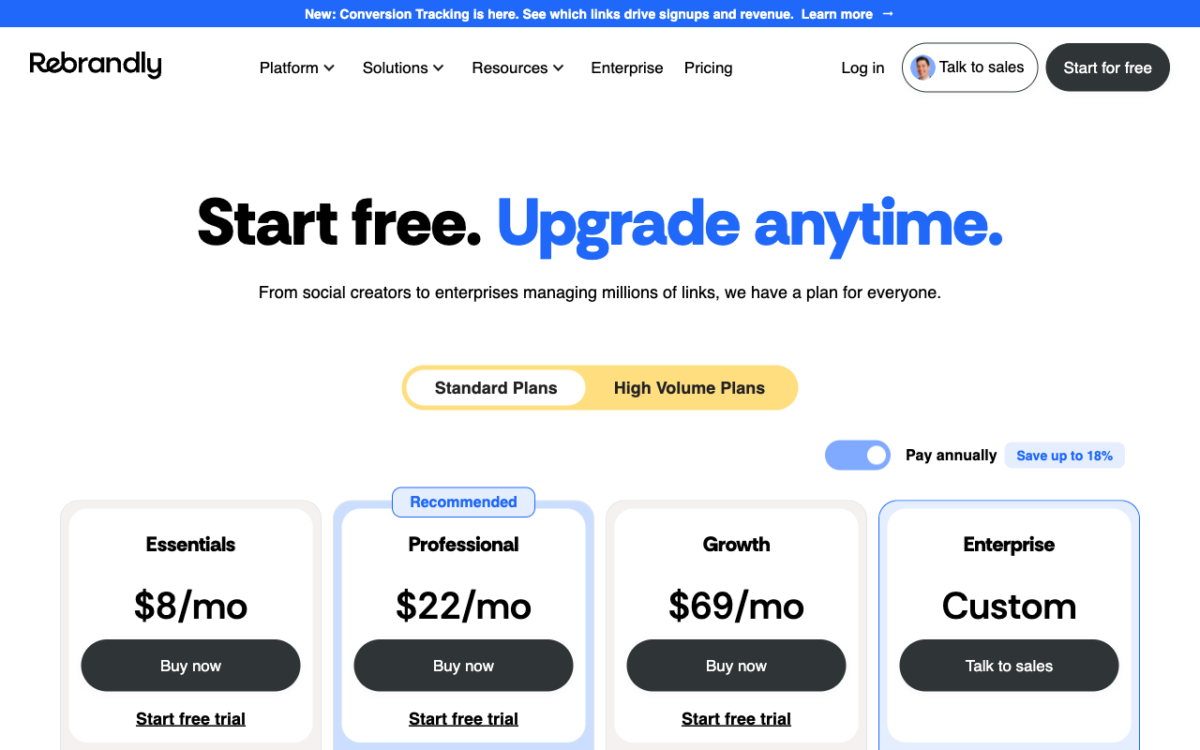
Rebrandly’s pricing page, captured 15 August 2026. The annual toggle is on by default, which is why Essentials reads $8 rather than $9.
Best for: managing branded domains at scale, including buying them.
Rebrandly is the only tool here that will search for, purchase and connect a domain for you inside the product, which matters if you run many brands. The free plan is 10 links and 10 QR codes a month.
One honest warning about their pricing. When we checked, Rebrandly was running a live pricing experiment that ships two different price sets in the same page, so the number you see may not match the number we saw, which was $9 a month for Essentials or $8 billed annually. Their detailed comparison table also marks “Connect your domains” as included on every tier including Free, while the plan cards imply otherwise. Read their pricing page yourself before deciding, and take a screenshot of what you were shown.
8. Bitly, and when you should just stay
It would be dishonest to write this list without saying that Bitly is still the right answer for some people.
Stay on Bitly if a recognisable bit.ly link genuinely helps you, because it is the one short domain the general public has actually heard of and does not treat as suspicious. Stay if you need its QR and landing-page suite in one place. Stay if you are an enterprise buyer who needs SSO, procurement, a signed contract and someone to call, because most of this list cannot offer that. And stay if you have years of live Bitly links in printed material, because migrating those is a real project rather than an afternoon.
Leave if you are an individual or a small team paying $35 a month mostly for a custom domain, when two tools on this page include one free.
How to switch without breaking your existing links
The single rule: your old short links do not transfer. A bit.ly link only works while Bitly serves it. Nothing you do on a new provider revives it.
- Export first. Get your existing links and their click history out of Bitly before you cancel anything. Once the account lapses you lose the history.
- Keep the old account alive. If printed material, packaging or old posts carry bit.ly links, keep the cheapest plan that keeps them resolving. Cancelling breaks them for good.
- Point your domain at the new tool. Add a subdomain such as go.yourbrand.com and set the DNS record the new provider asks for.
- Move new links only. Create everything new on the new tool and let the old ones age out naturally.
- Re-check your numbers after a month. Click counts will often look different on a new provider, and that is not necessarily an error. It may be the first time bots have been excluded.
Frequently asked
Is there a genuinely free URL shortener with a custom domain?
Yes. As of 14 August 2026, Short.io includes 5 custom domains on its permanent free plan and Dub includes 3. Cutt.ly lists 1 branded domain on free, and Rebrandly and TinyURL each advertise a branded domain on free, but check in each case whether that means connecting a domain you own or using one of theirs.
Why did my click count drop after switching?
Usually because the new tool counts differently. Some providers exclude known bots and preview fetchers from the headline figure while others report every request. A lower number is not automatically a worse one, it is often a more honest one.
Do short links hurt SEO?
Not when they use a proper 301 redirect, which every tool in this list does. A 301 passes link equity to the destination. The thing to avoid is a shortener that uses an interstitial or a meta refresh instead.
What happens to my links if the company shuts down?
They stop working, which is the strongest argument for using your own domain. If your links run on go.yourbrand.com, you can repoint that domain at another provider and keep the paths alive. If they run on someone else’s domain, you cannot.
The bottom line
If you want a custom domain and nothing else, Short.io’s free plan ends the search. If you want the fuller marketing toolkit without laddering through tiers, Flyn at $12 a month is the better value. If you are a developer chasing revenue attribution, Dub. And if you are an enterprise with procurement and a legal team, you were probably never leaving Bitly anyway.
All pricing read from each provider’s own pricing pages on 14 August 2026. These change frequently, so confirm before you buy.when the post is shared. Save it out of this document and upload it.